
Confirm your email
When you sign up, you get a link to confirm the email is yours.
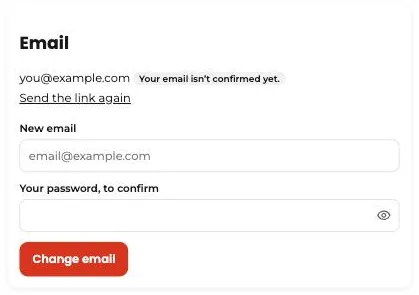
Steps
- After creating your account, look for the email “Confirm your Tumbite email.”
- Tap the link. It expires in two days; if it did, go to “Settings” and tap “Send the link again.”
- Confirming doesn’t block anything: you can use the app meanwhile. It makes sure receipts reach you and lets you recover your password.
This guide answers
- How do I confirm my email?
- I didn’t get the confirmation email. What do I do?