
Delete your account
From the account menu, in the three dots. Your personal data is removed.
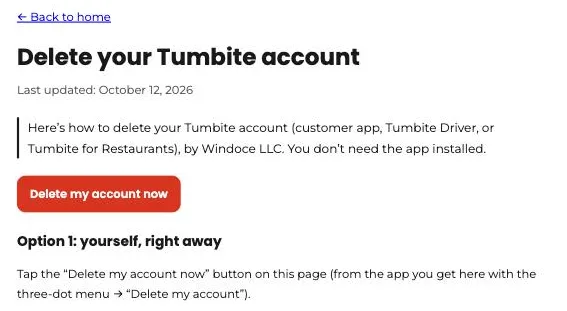
Steps
- Open the account menu (the three dots, top right) and tap “Delete my account.” It takes you to tumbite.com/delete-account.
- Tap “Delete my account now”, sign in, open the three dots next to Settings, tap “Delete my account,” and type DELETE.
- Your name, email, phone, birthday, order addresses, and rating comments are deleted. Order amounts remain without your name, for tax obligations. This can’t be undone.
- Without the app: email support@tumbite.com from your account’s email and we’ll delete it within 30 days.
This guide answers
- How do I delete my account?