
Forgot my password
We email you a link. It works once and expires in 30 minutes.
Steps
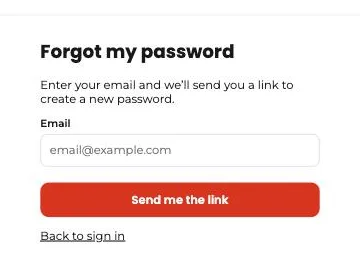
- On the sign-in screen, tap “Forgot your password?”
- Enter your email. If it has a Tumbite account, you get a link (check spam too).
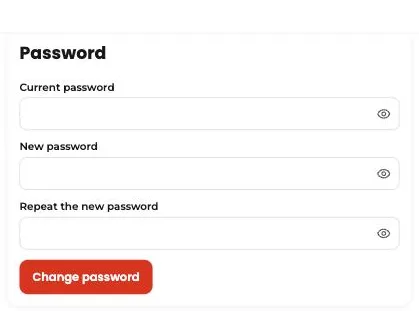
- Tap the link and type your new password twice.
- Done. For safety, all open sessions are closed and you sign in again with the new password.
This guide answers
- What if I forgot my password?
- How do I change my password?