
An order from start to finish
What happens from the moment the customer pays until the food reaches the door, who does what at each step, and how the money is split.
How it works
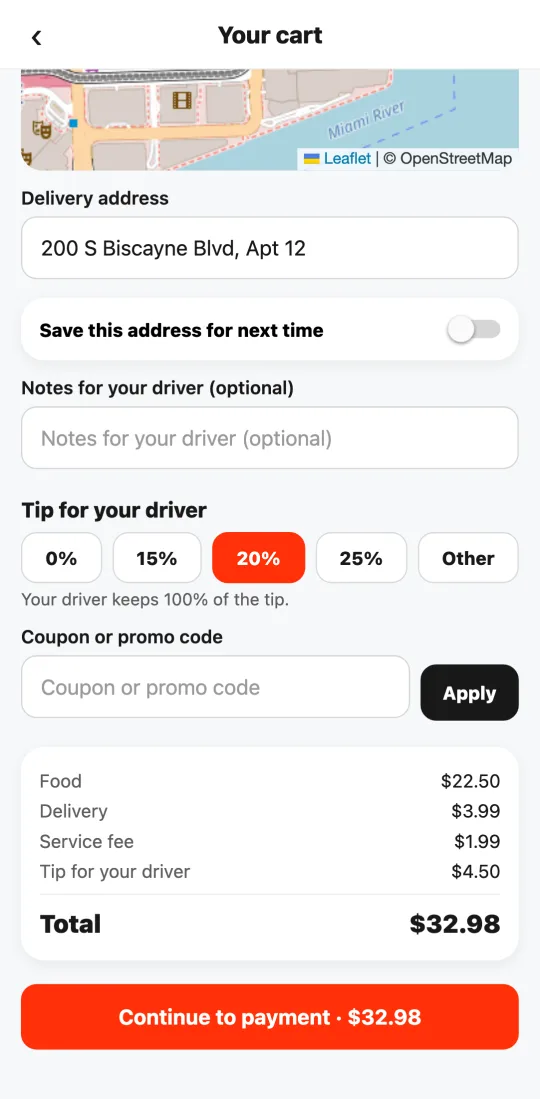
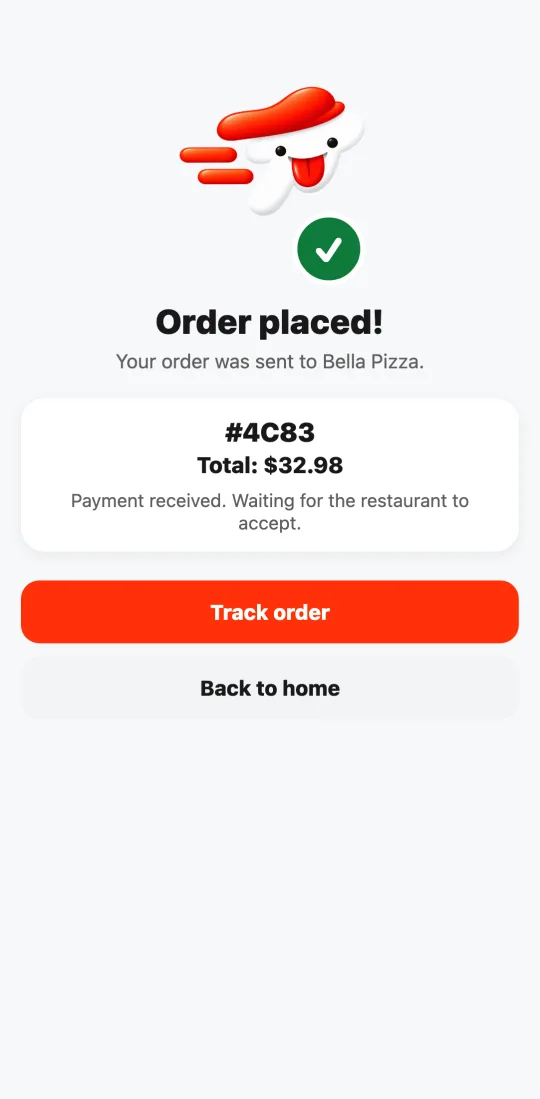
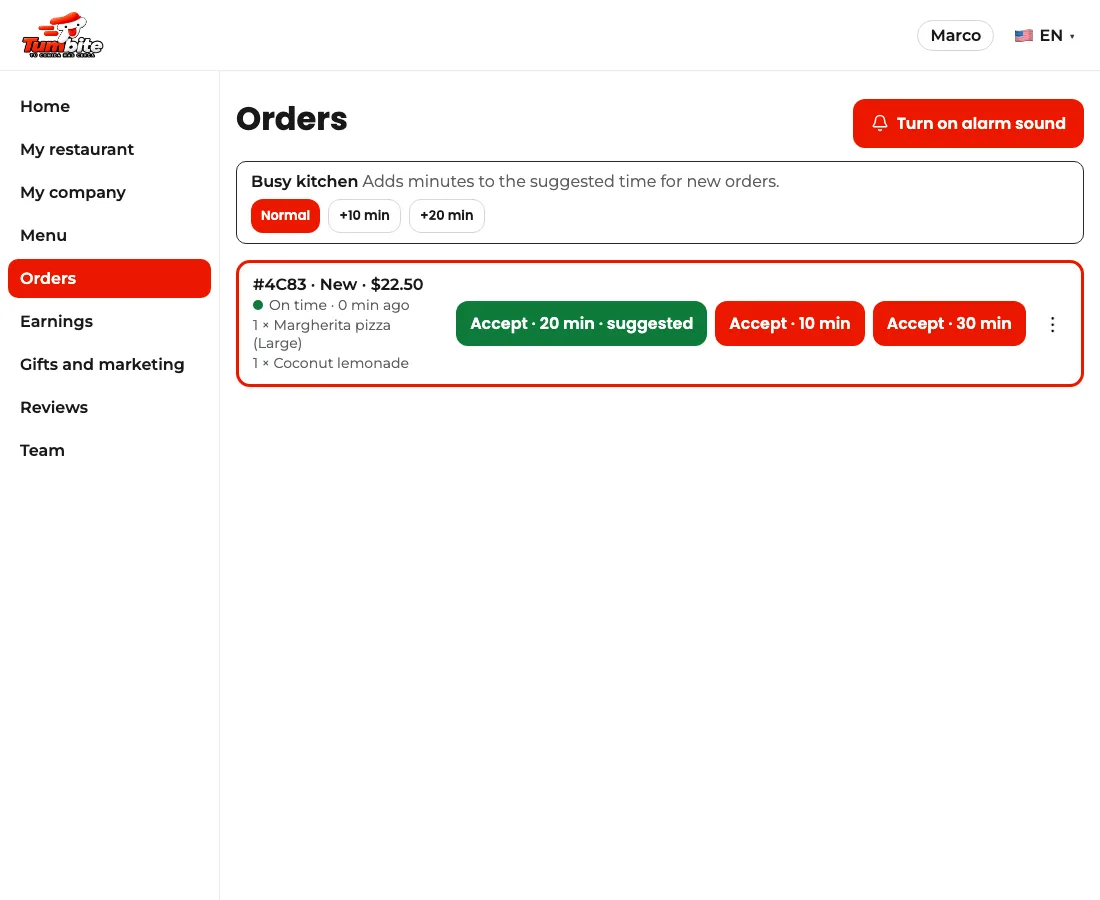
It all starts in the customer app: they pick a restaurant, build their cart, and see the full breakdown before paying. When they pay, the card is only authorized: the actual charge happens when the order is delivered (if it’s canceled before that, there’s nothing to refund). The order reaches the restaurant with an alarm and a green traffic light.
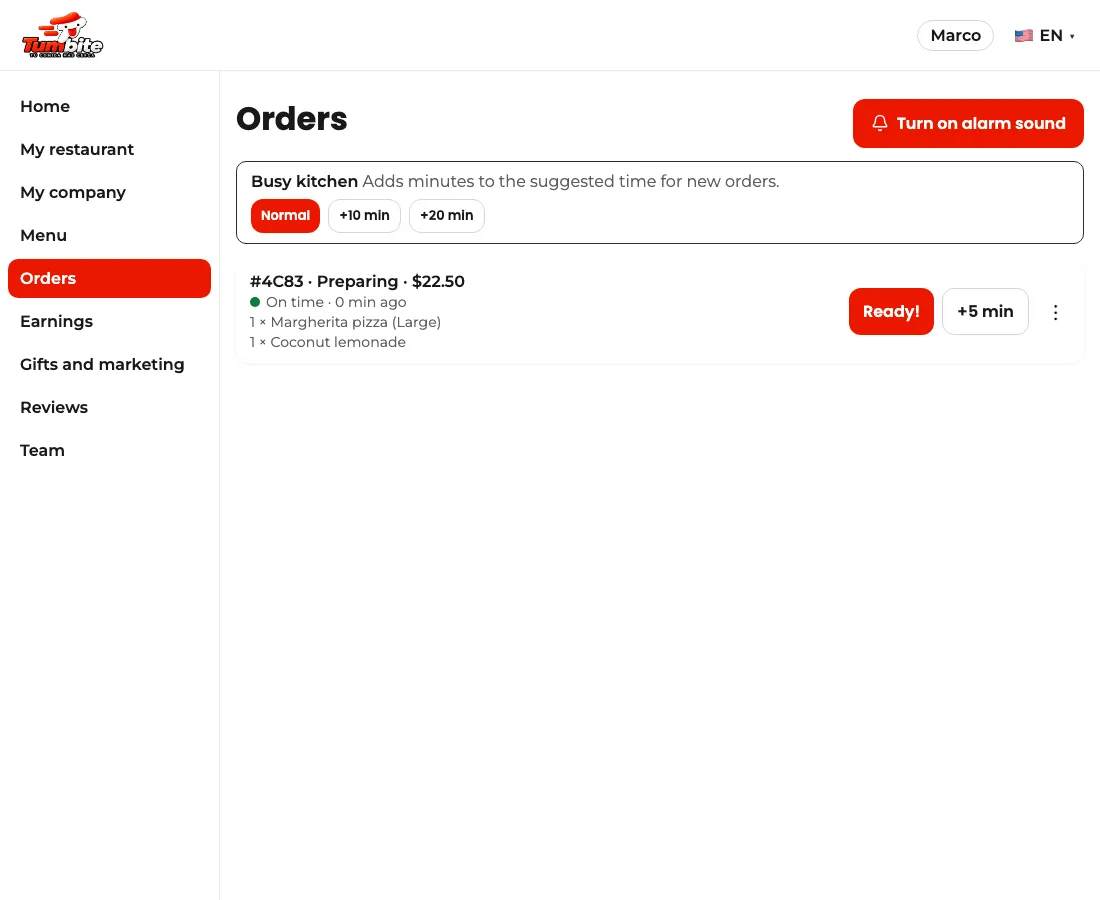
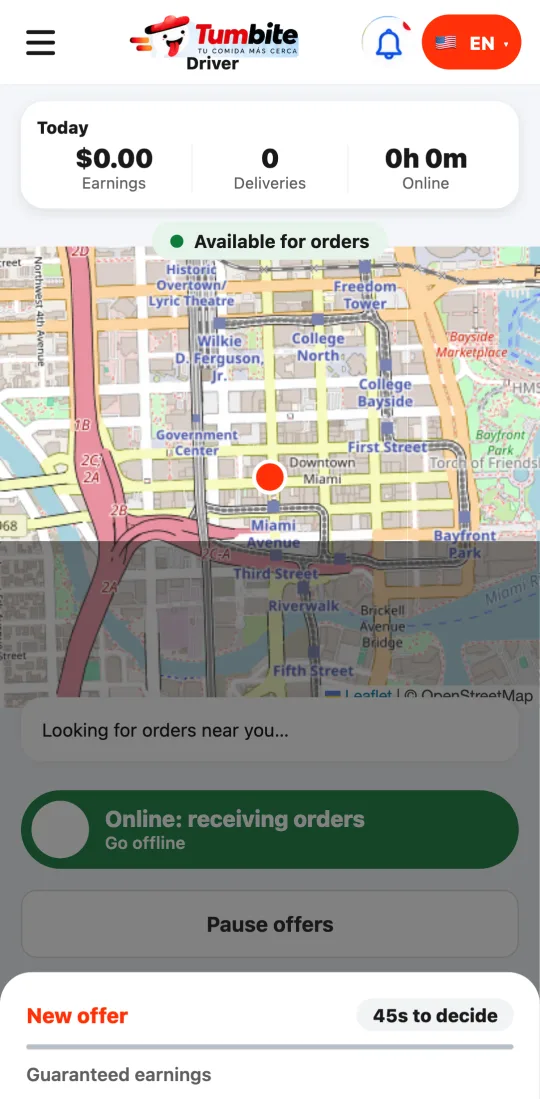
The restaurant accepts it by choosing the prep time. That’s when we look for the closest driver: they get an offer with what they’ll earn and the distance, before accepting. Declining never lowers their level.
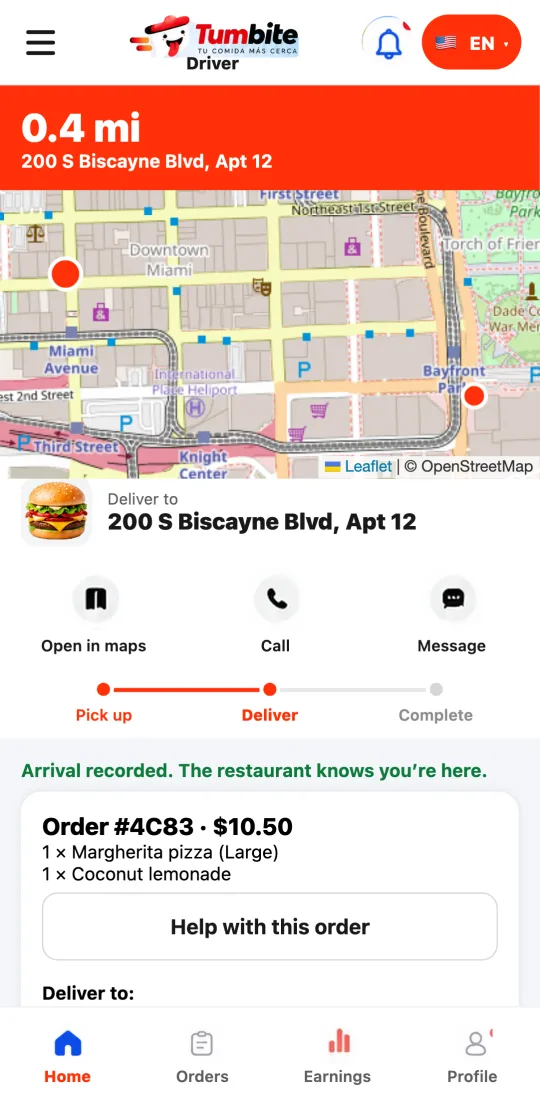
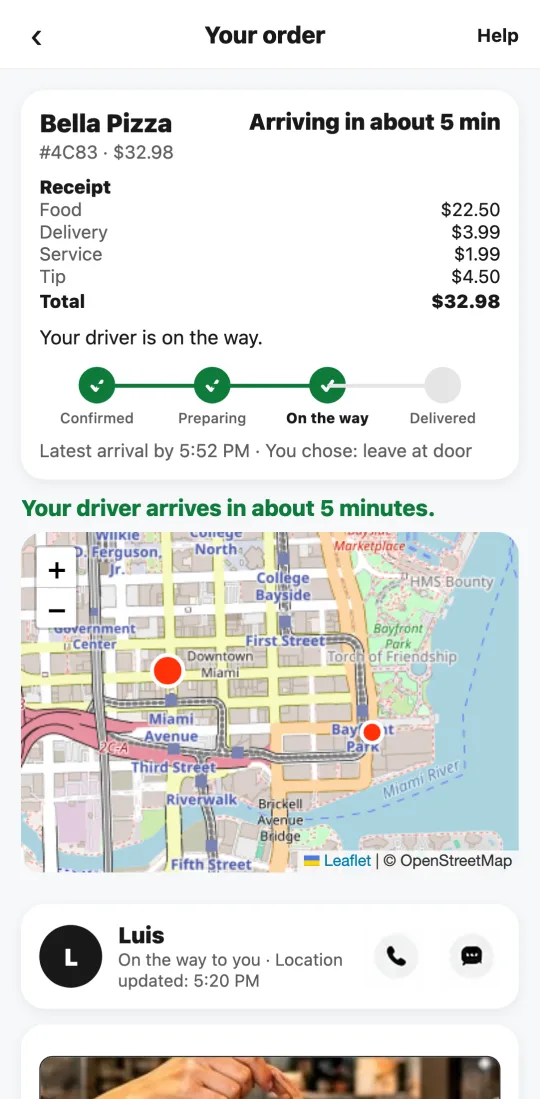
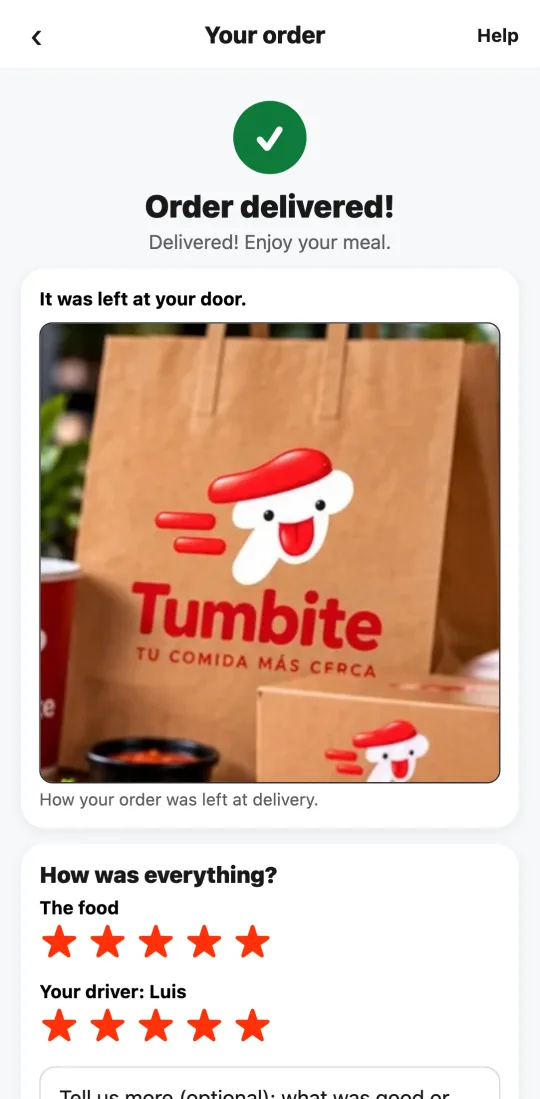
When the food is ready, the restaurant taps “Ready!” The driver takes a photo of the closed order and the restaurant confirms it on their screen: only then does it go out. At the door, the driver takes the delivery photo. The customer follows every step live, with the driver on the map, and rates the food and the delivery separately at the end.
The money is split at delivery and everyone can see their share. A real example from our test: the customer paid $28.18 (food $18.50, delivery $3.99, service $1.99, and a $3.70 tip). The restaurant, on the Starter plan, received $17.11: its food minus the 7.5% commission. The driver received $8.70: the delivery pay plus 100% of the tip. Tumbite kept $2.37, out of which it pays the card processing fee.
And if something runs late, the Manager steps in; if the restaurant doesn’t confirm within 6 minutes, it cancels and refunds automatically.
Steps
- Customer: chooses, pays, and follows the order live.
- Restaurant: accepts with a prep time and taps “Ready!”
- Driver: accepts the offer, takes the order photo at the restaurant and the delivery photo at the door.
- Customer: rates. Everyone sees their money in their wallet.
This guide answers
- What happens to my order after I pay?
- How is the money from an order split?