
Rate the food and the driver
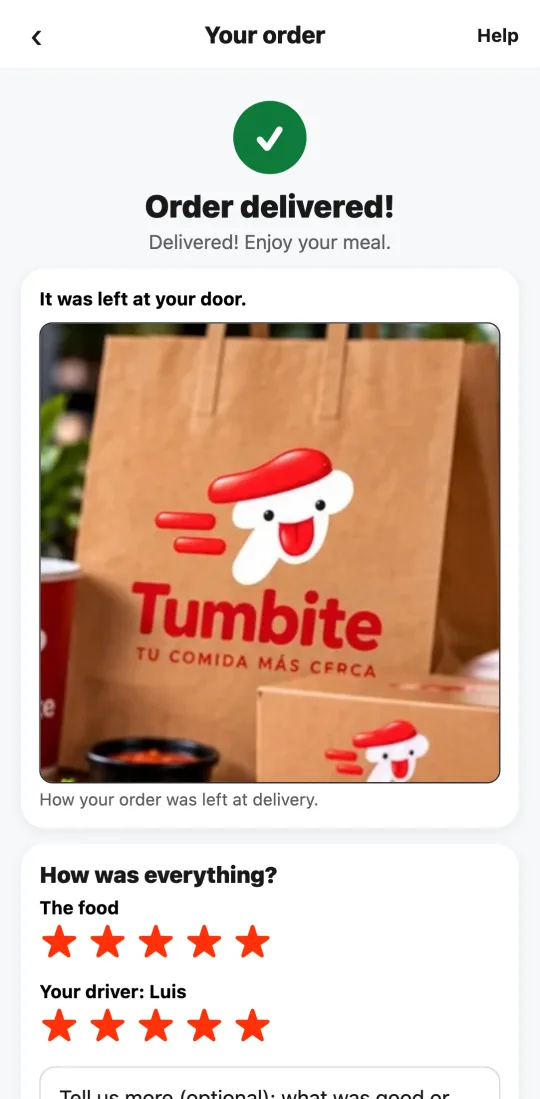
Two separate ratings. If the food was late, it’s not the driver’s fault.
Steps
- When the order arrives, the order screen shows “How was everything?”
- Rate the food (the restaurant) and your driver separately, with stars.
- If you give the driver a low rating but the problem was the food or the restaurant’s delay, flip the switch: the rating won’t count against them.
- Tap “Send rating.” Thanks: it makes delivery better for everyone.
This guide answers
- How do I rate the food and the driver?
- What if the food was late because of the restaurant?