
Start delivering
Create your account, go online when you want, and accept only what works for you.
Steps
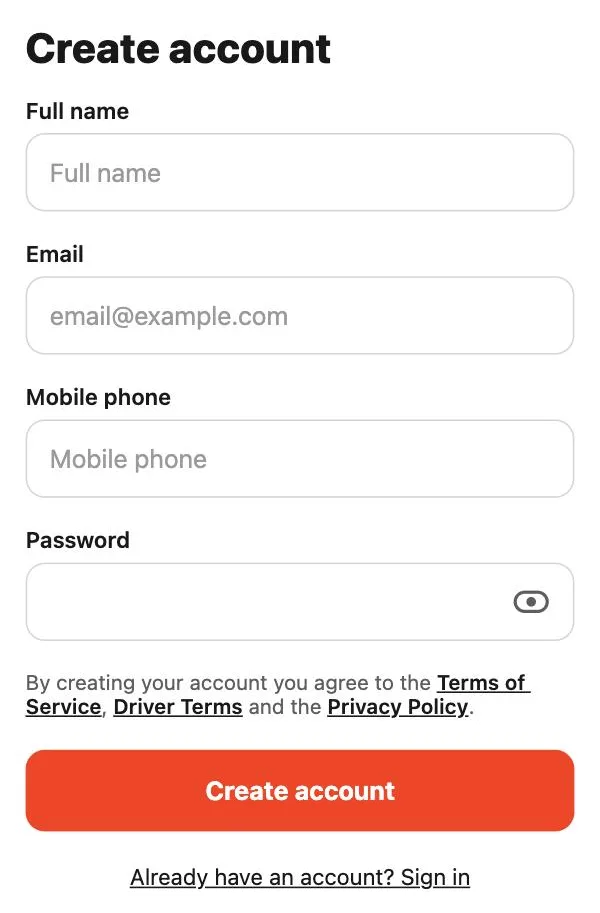
- Download the Tumbite driver app and create your account.
- Connect your bank from your wallet with “Connect my bank account” (Stripe, once) so you can cash out your earnings.
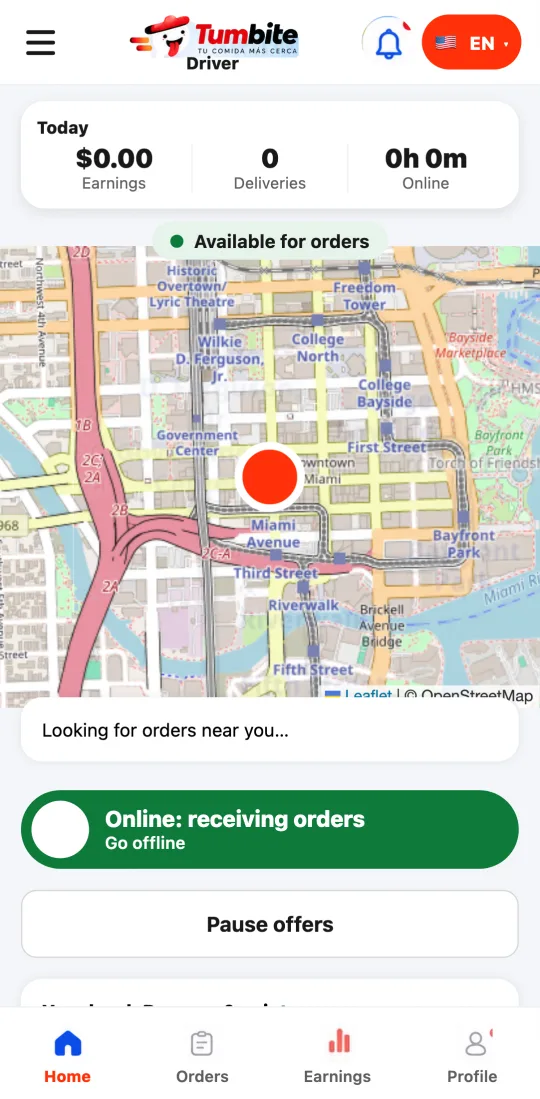
- Tap “Go online” when you want to work. The app uses your location only while you’re online.
- No schedules, no minimums: go online and offline whenever you like.
This guide answers
- How do I start delivering with Tumbite?
- Do I have a fixed schedule?
- How do I go online to get orders?