
Your wallet: what you earn and how you cash out
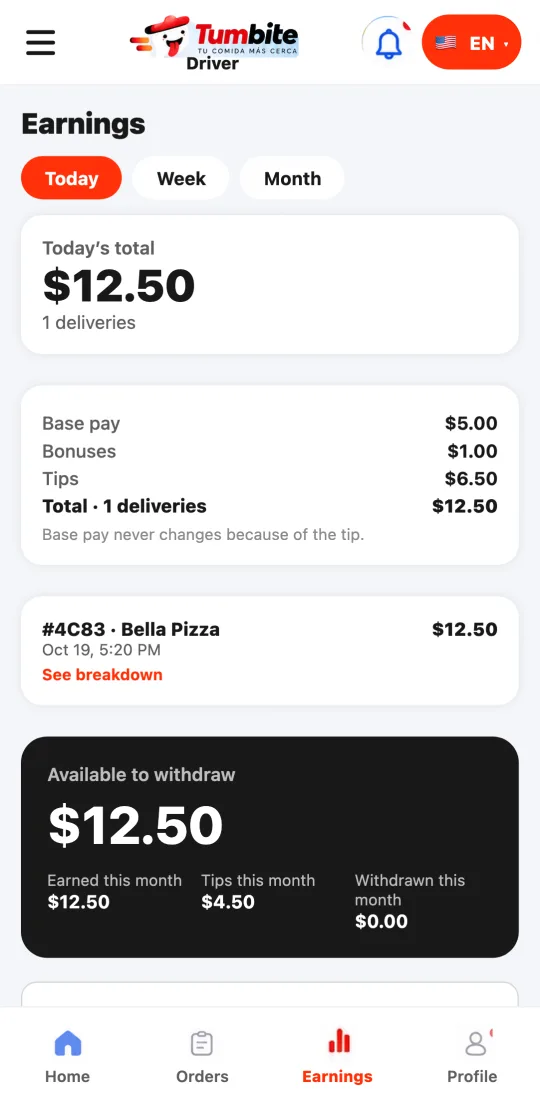
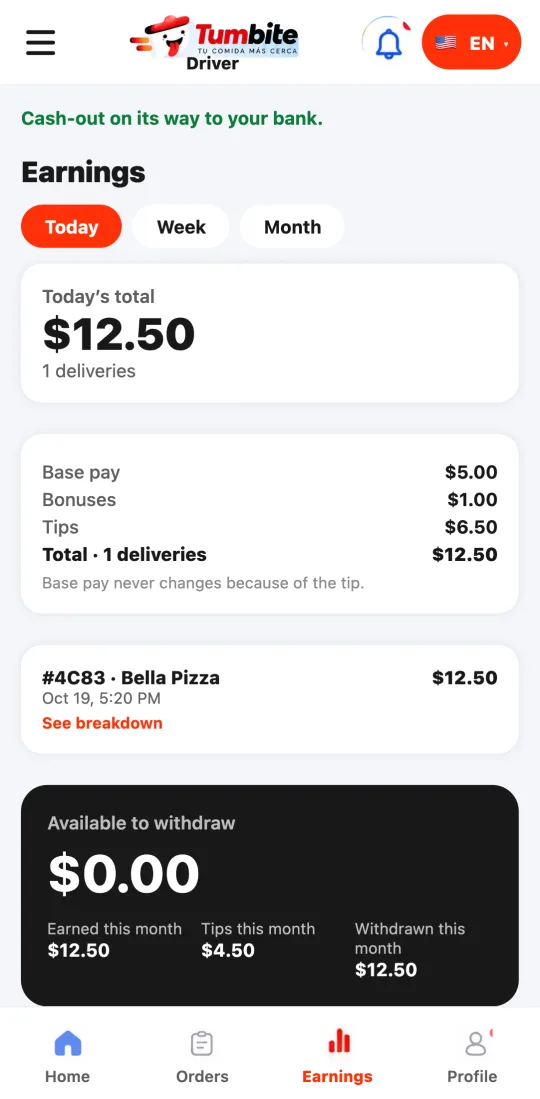
Like a banking app: your balance, earnings, tips, and every movement with its order. Cash out to your bank whenever you want.
How it works
Every delivery adds two movements: the delivery pay and the tip, which is 100% yours and never used to top up your pay. Everything is logged with the date and order number, so you can check it anytime.
At the top you see what’s available to withdraw and, below, what you earned, your tips, and what you withdrew this month. You enter your bank details in Stripe, our payment processor: Tumbite never sees them.
Steps
- Open the menu at the top left and tap “My wallet,” or tap “See my wallet” on the home screen.
- The first time, tap “Connect my bank account” and fill in your details in Stripe. You only do this once.
- Cash out whenever you want, from one dollar. The money reaches your bank through Stripe.
- If a movement doesn’t look right, tap “I have a problem” and a real person will answer.
This guide answers
- How do I cash out my earnings?
- Do I keep the whole tip?