
Your menu order
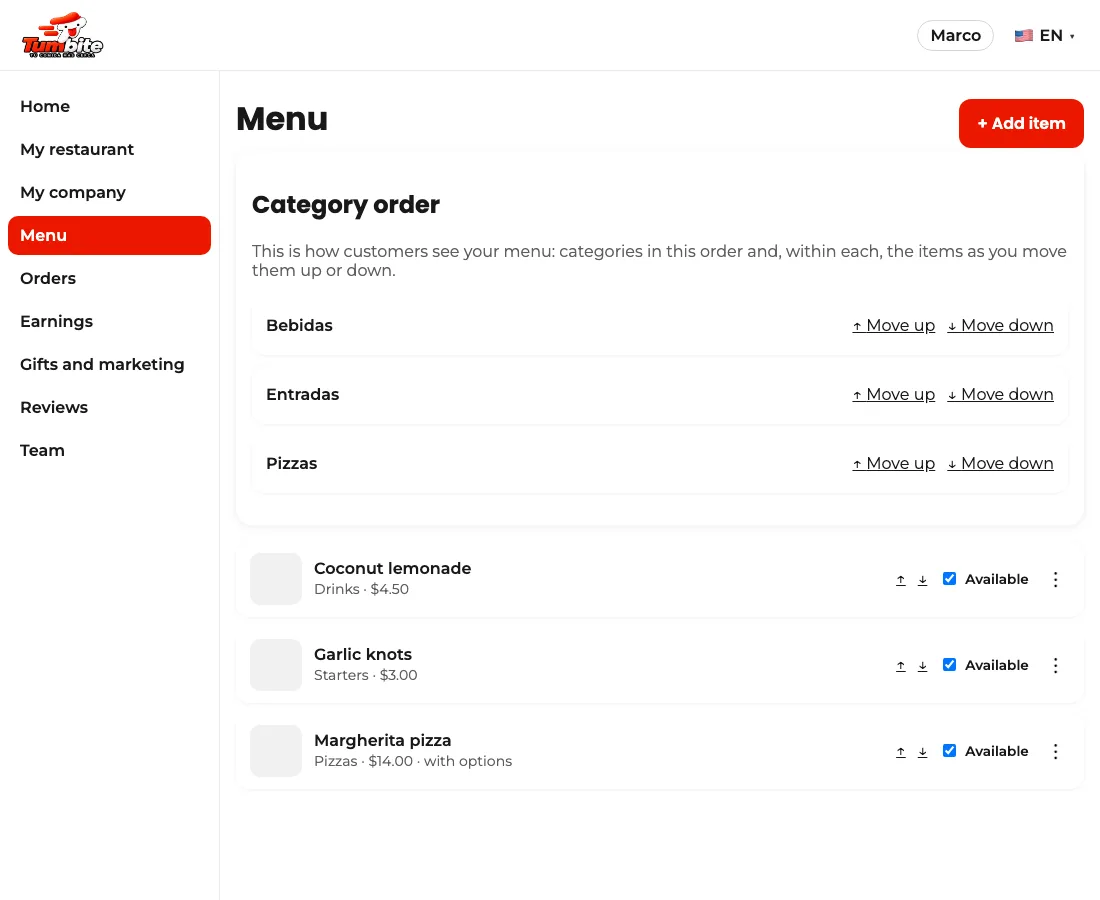
Decide the order customers see your categories and items: with the up and down arrows under Menu.
How it works
Under Menu, above the list, there’s “Category order”: move them up or down with the arrows. That’s how they show in the app.
Within each category, every item has arrows to move it up or down. Changes save instantly.
Steps
- Menu → category arrows.
- Each item’s arrows within its category.
This guide answers
- How do I put my star dishes first?