
Offers: see what you earn before you accept
You see the pay, the distance, and the pickup spot. Declining never counts against you.
How it works
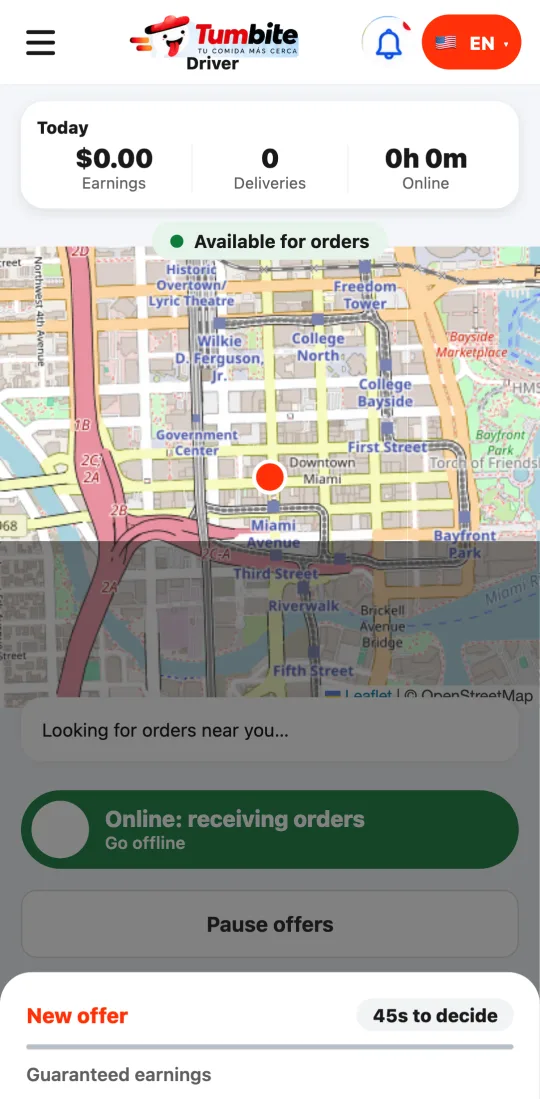
The offer takes the whole screen, like in the big delivery apps: the guaranteed earnings big at the top (tip included, and the bonus if there is one), and below it four facts to decide at a glance: the distance to the restaurant, the total trip, the approximate minutes, and how many items it carries.
You have 45 seconds and you see them counting down; the phone vibrates when the offer arrives. If you don’t answer, the offer goes to the next driver and counts as a decline in your acceptance rate, but it doesn’t lower your level.
The earnings you see are the guaranteed minimum: if the customer adds a tip after delivery, you see it added under Earnings and you get a notification.
Steps
- When there’s an order nearby, the app vibrates and shows you the offer full screen: earnings, distance to the store, total trip, minutes, and items.
- You have 45 seconds to accept. If it doesn’t work for you, decline or let it pass: it doesn’t lower your level.
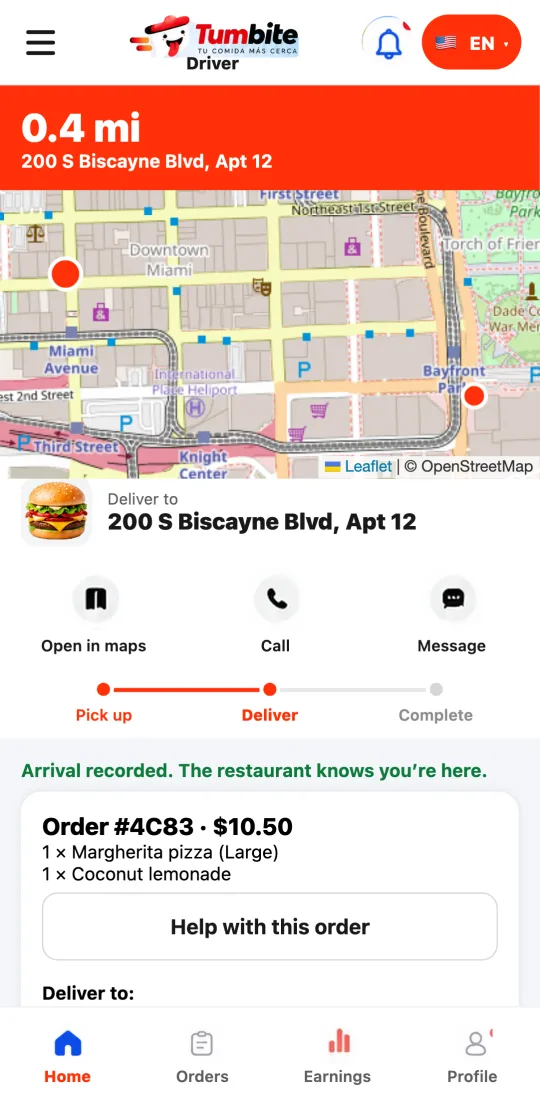
- After accepting, head to the restaurant. Take a photo of the closed order and wait for the restaurant to confirm it on their screen. At the customer’s door, take the delivery photo.
- Tap “Directions” to open Google Maps or Apple Maps with the address already set.
- The customer’s tip is 100% yours: it never tops up your pay.
This guide answers
- How do I accept a delivery?
- Does declining an offer lower my level?
- How do I mark pickup and delivery?