
Tablet mode: your counter always ready
Keep a tablet at the counter with your orders full screen, always on and with the alarm, so nobody logs out by accident.
How it works
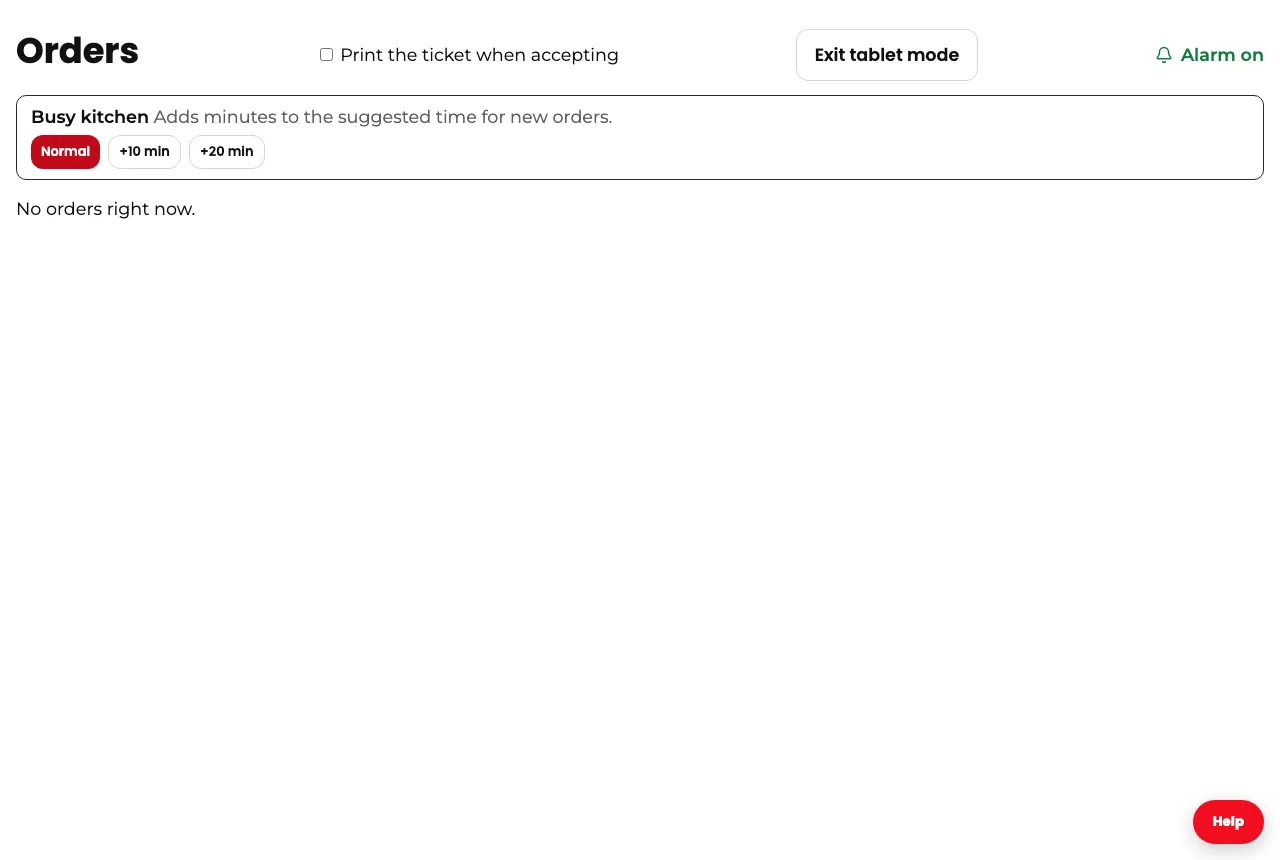
On the Orders screen of your dashboard, tap “Tablet mode”. Orders fill the screen, the screen doesn’t turn off on its own, and the alarm rings with every new order.
The menu and the log-out button are hidden, so nobody on your team logs out by mistake.
To go back to the regular dashboard, tap “Exit tablet mode”.
In the Divoox app for restaurants, the screen already stays on while the app is open.
Steps
- Open Orders in your dashboard on the tablet.
- Tap “Tablet mode”.
- Leave it plugged into the charger at the counter.
If the tablet has very aggressive battery saving, it may still turn the screen off: keep it plugged in.
This guide answers
- How do I keep the counter tablet always on?