
Activated for Food: vehicle and documents
To get Food orders, your account has to be activated for Food and, if you deliver by car or motorcycle, have an approved vehicle and a current license and insurance. If something is missing, the app tells you when you go online.
How it works
Like the big delivery apps, every Food order is offered only to drivers activated for Food. If you deliver on foot or by bike, a verified account is enough. If you deliver by car or motorcycle, your vehicle also has to be approved and your license and insurance reviewed and current.
If something is missing (an activation under review, a document pending approval, a vehicle not yet approved, or a paused account), you don’t get Food offers, so you never accept an order you couldn’t deliver. If you can’t deliver any service, when you tap “Go online” the app tells you exactly what’s missing and where to fix it. If you deliver other services, like Delivery, you still go online and keep getting those orders.
Divoox turns this on city by city. Where it isn’t on yet, dispatch works as always.
Steps
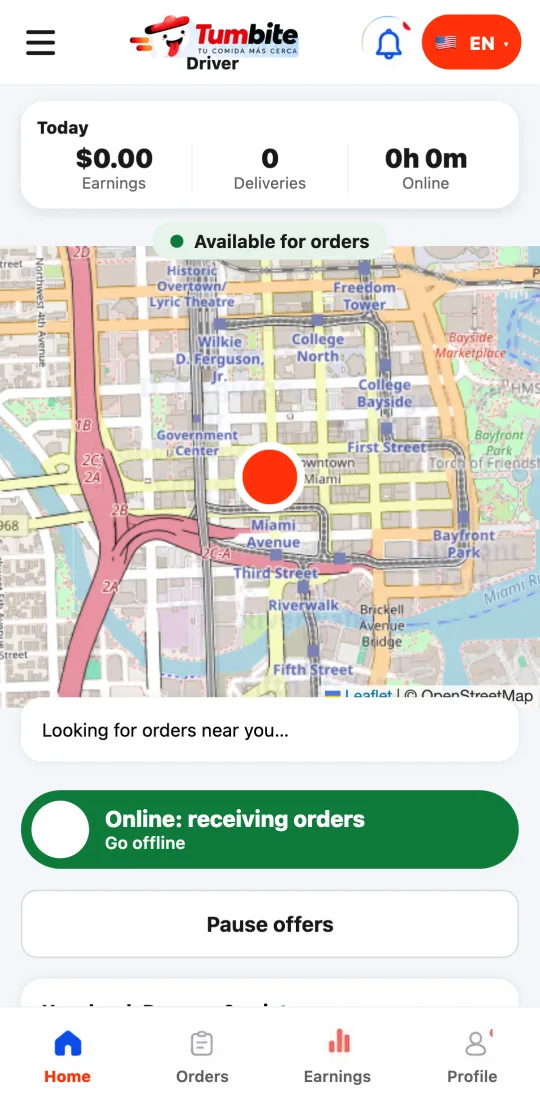
- Open the driver app and tap “Go online.”
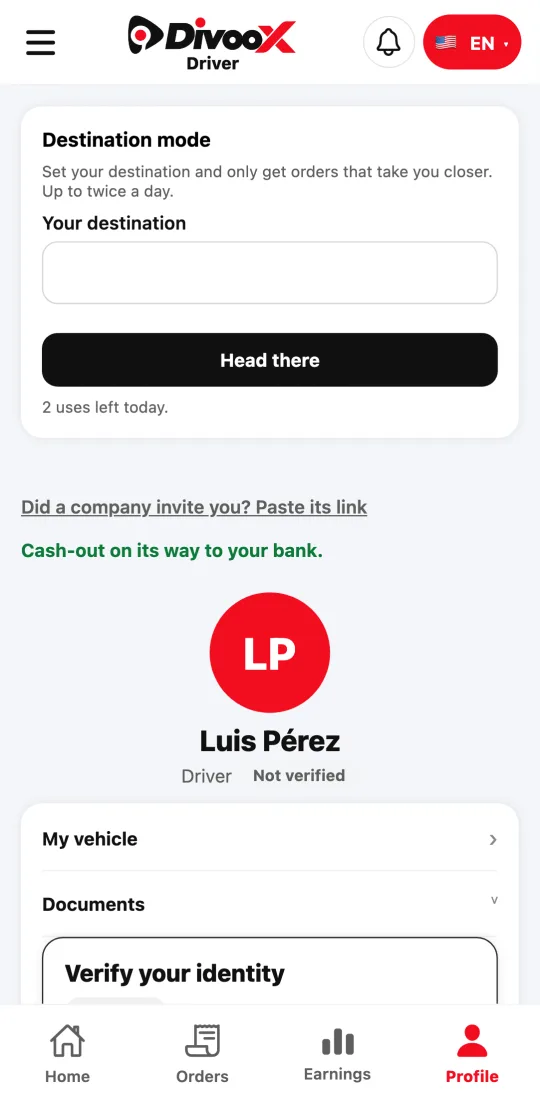
- If the app says something is missing, open the menu, go to “My details and vehicle,” and complete what it asks for: your verification, your vehicle, your license, or your insurance.
- Once our team approves it, go online again: Food offers come in as usual.
- If your account is paused, write to us from Help and we’ll review it with you.
This guide answers
- Why am I not getting Food orders?
- What do I need to deliver by car or motorcycle?