
Where does Divoox work? Notify me when it arrives
Anyone, in any country, can create an account. The app tells you which cities Divoox already works in and, if yours isn’t one yet, emails you the day it arrives.
How it works
When you create your account you see the list of countries and cities where Divoox already delivers. Your account works from day one in any of them.
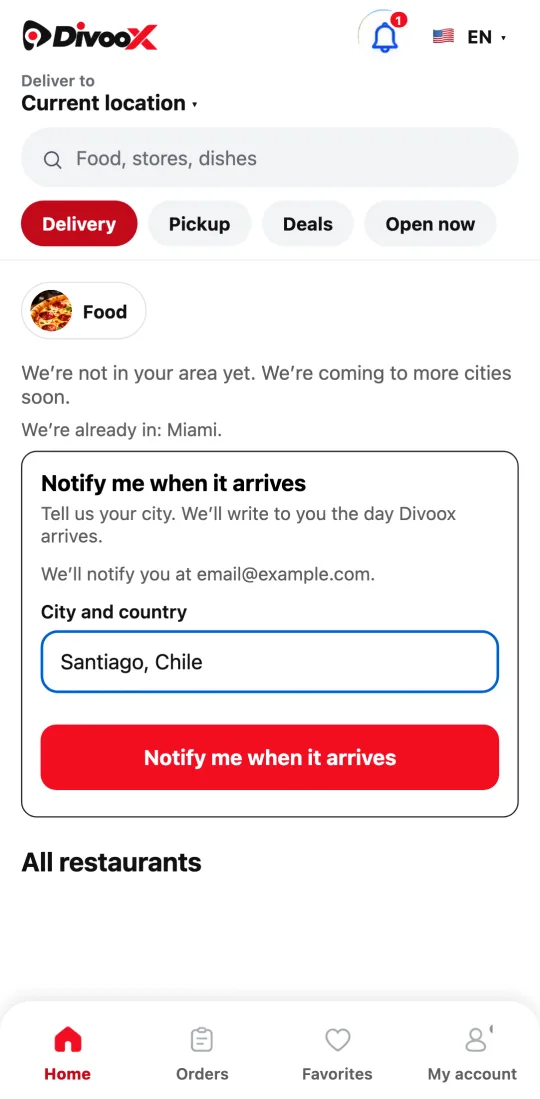
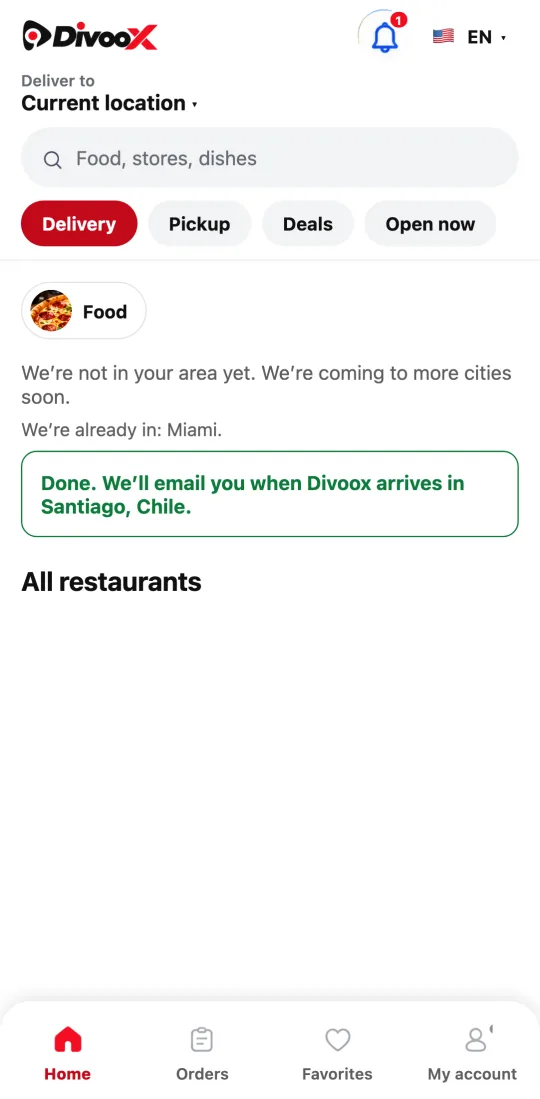
When you enter an address we don’t reach yet, the app tells you clearly, shows you where we already are and offers “Notify me when it arrives.” You type your city and country and that’s it: the notice goes to your account’s email.
Every request counts: we open first in the cities where the most people and restaurants ask.
Steps
- Open Divoox and enter your address.
- If you see “We’re not in your area yet,” type your city and country under “Notify me when it arrives.”
- Tap the button. We’ll write to your account’s email the day we open.
This guide answers
- Which cities does Divoox work in?
- How do I find out when Divoox comes to my city?