
Your fee balance and top-ups
The rider pays you the full fare; the Divoox fee comes out of your balance. See how many rides it covers and top up at an authorized sales point.
How it works
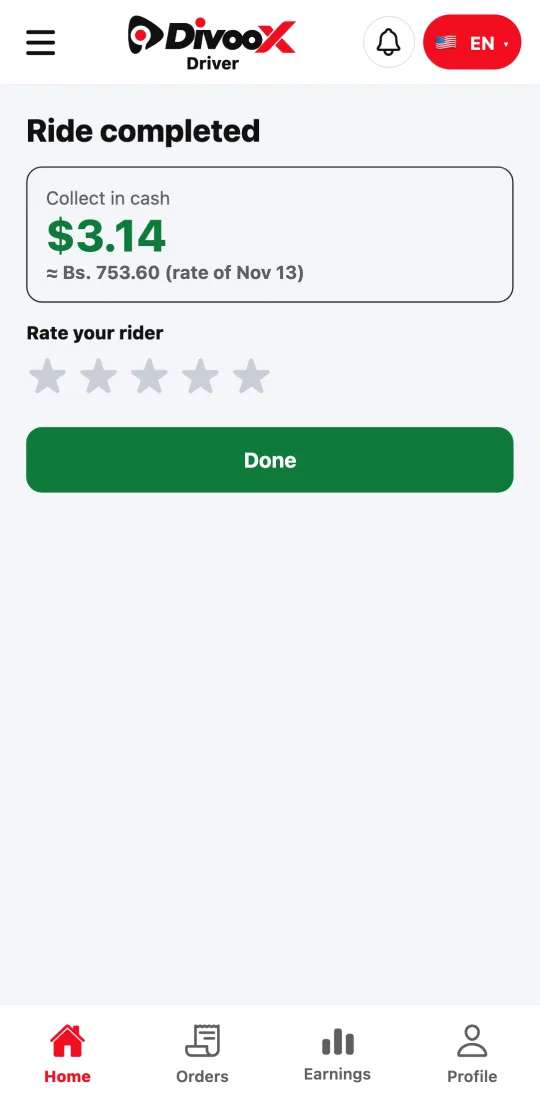
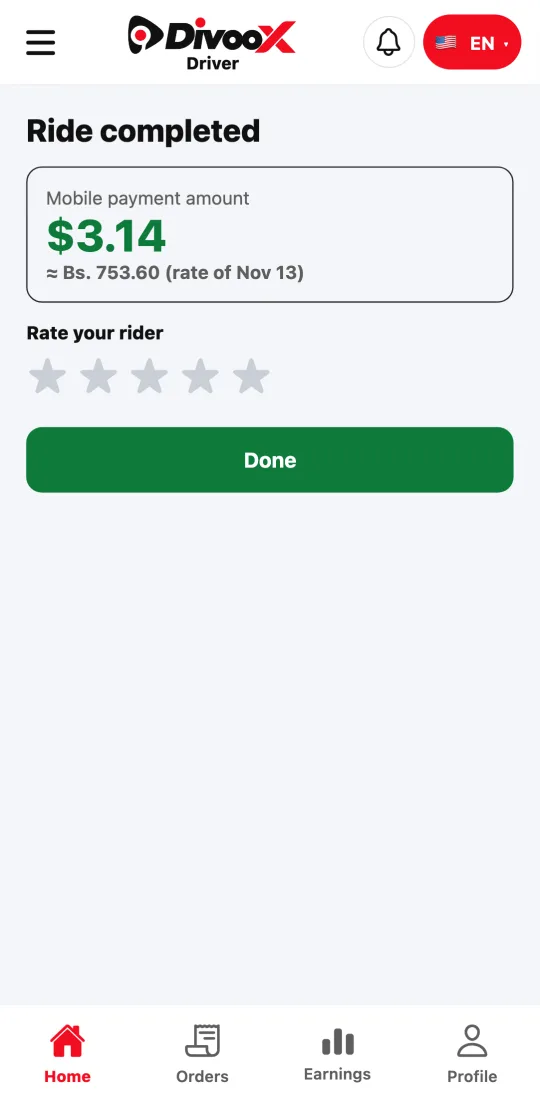
In countries where you work with a balance, the rider pays you the whole fare, in cash or by mobile payment. When the ride ends, the Divoox fee is deducted from your balance.
When you accept a ride, we set its fee aside; if the ride doesn’t happen, it goes back to your balance. It’s never deducted twice.
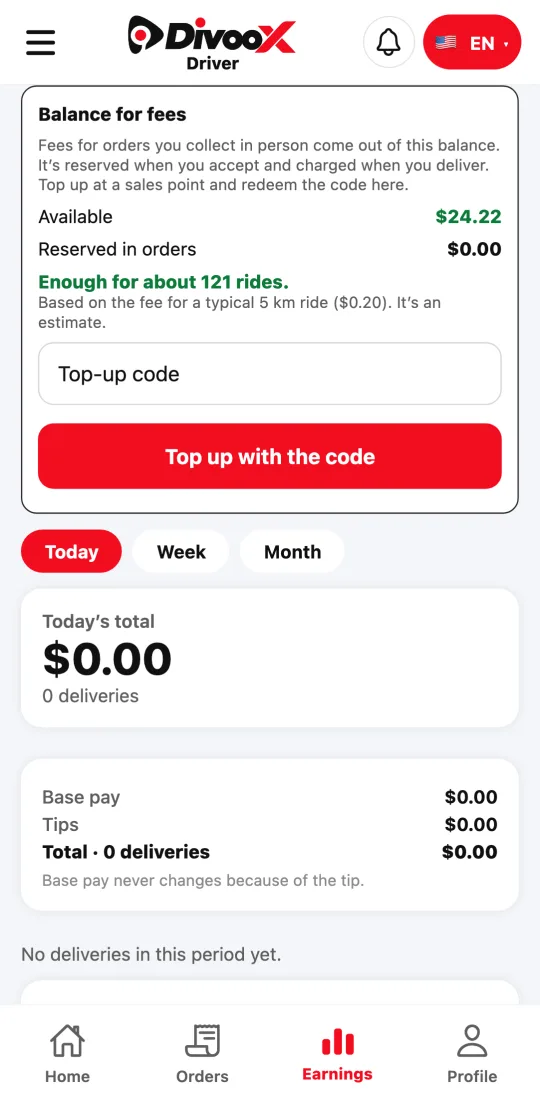
The app tells you how many rides your balance covers, based on the fee for a typical ride. It’s an estimate. When it’s running low we let you know; with no balance you don’t get rides until you top up.
Steps
- Buy a top-up at an authorized Divoox sales point. You get a code.
- In the app, go to Earnings and find “Balance for fees.”
- Enter the code and tap “Top up with the code.” The balance shows up right away.
- Check the line “Enough for about N rides” and top up before you run out.
Your fee balance isn’t earnings and can’t be withdrawn: it only pays the fees for your rides.
This guide answers
- How do I top up my balance?
- How many rides does my balance cover?
- Why am I not getting rides?