
Paying, canceling and tipping on Moto
Pay with cash, card, or mobile payment (depending on your country), cancel for free at the start, and leave a tip when the ride ends.
How it works
With a card, we hold the price when you request and charge it when the ride ends. With cash, you pay the driver when you arrive.
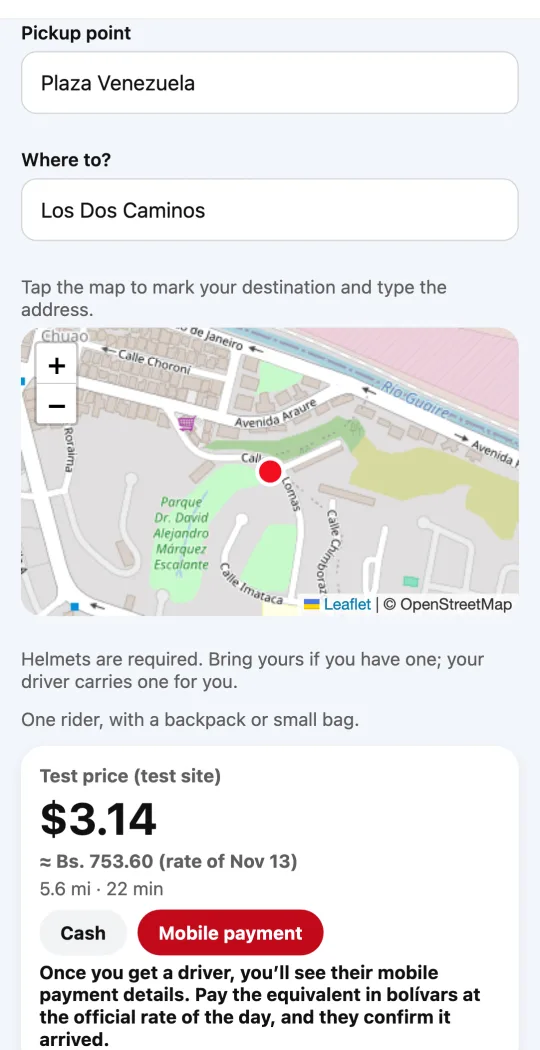
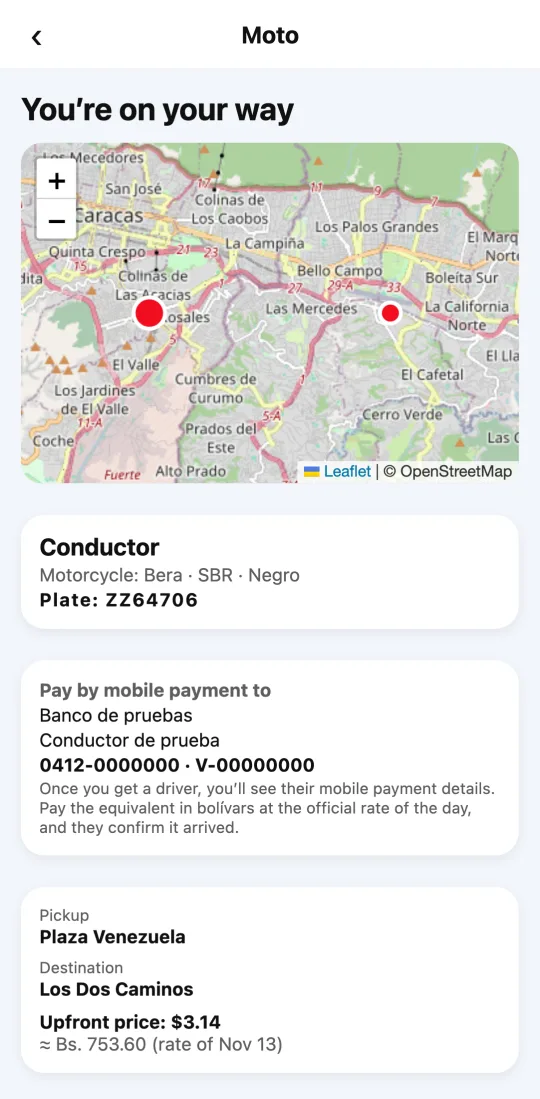
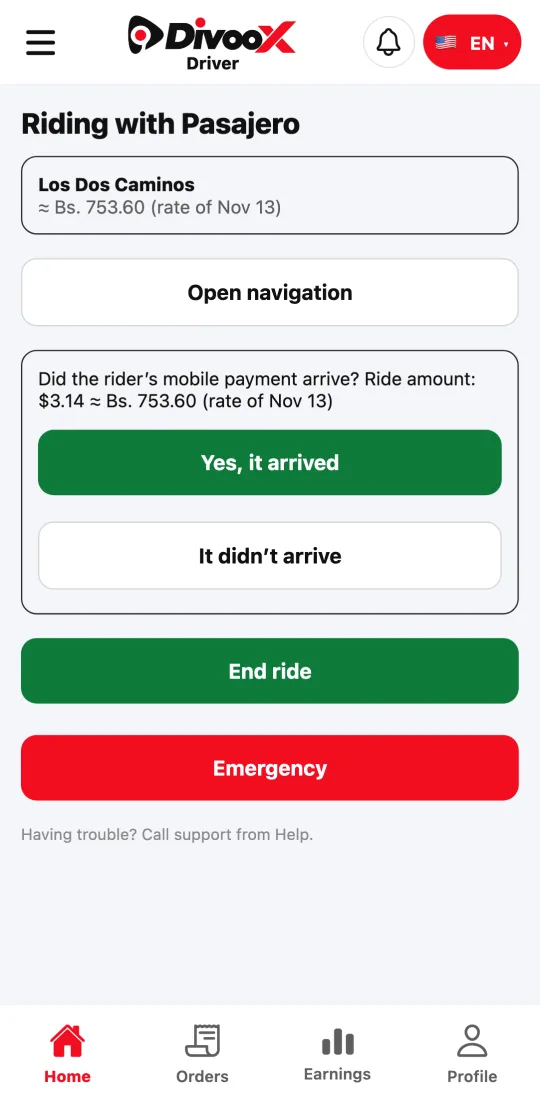
Where mobile payment is available (for example, in Venezuela), once you get a driver you see their mobile payment details in the app. You pay the equivalent in bolívars at the official rate of the day, and the driver confirms in their app that it arrived.
Canceling is free while we look for a driver and for the first few minutes after one accepts. After that, the app tells you upfront what canceling costs; that fee goes to the driver who came to pick you up.
If the driver waits longer than the included time at pickup, a small per-minute fee is added, as with other ride services.
Steps
- Choose how you pay before you request: the app only shows the methods available in your city.
- To cancel, tap “Cancel ride”: the app tells you whether it’s free or what it costs.
- When the ride ends, rate it and, if you paid by card, leave a tip if you like. It all goes to the driver.
- If you canceled a cash ride late, the fee is added to your next ride.
This guide answers
- How much does it cost to cancel a motorcycle ride?
- Can I leave a tip?
- What happens if I owe a fee from a cash ride?