
Driver rest and safety
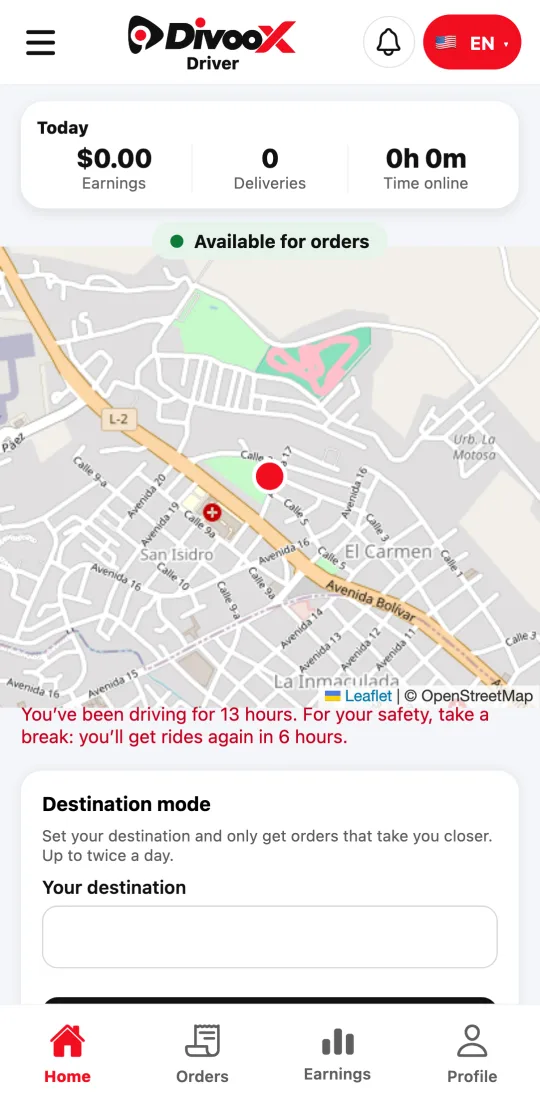
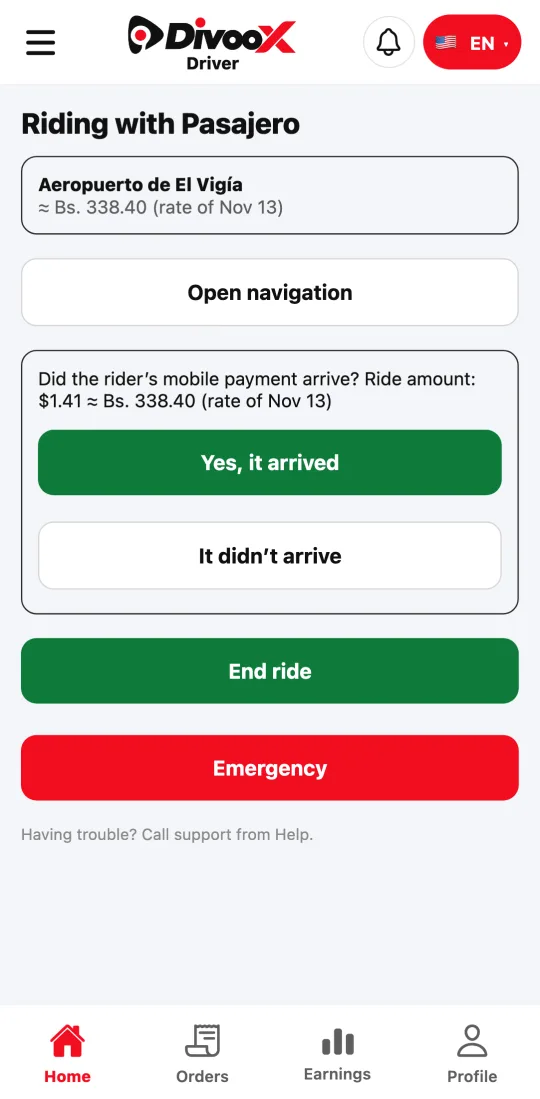
After 12 hours of driving, you rest for 6 before getting more rides. Every ride has an emergency button.
How it works
For your safety and the rider’s, we count the time you spend on rides. With 12 hours in a day, the app asks you to rest for 6 hours in a row before accepting another ride.
Every ride has the emergency button: it calls the country’s emergency number and alerts our team with your location.
Steps
- If the app asks you to rest, go offline: it tells you in how many hours you’ll get rides again.
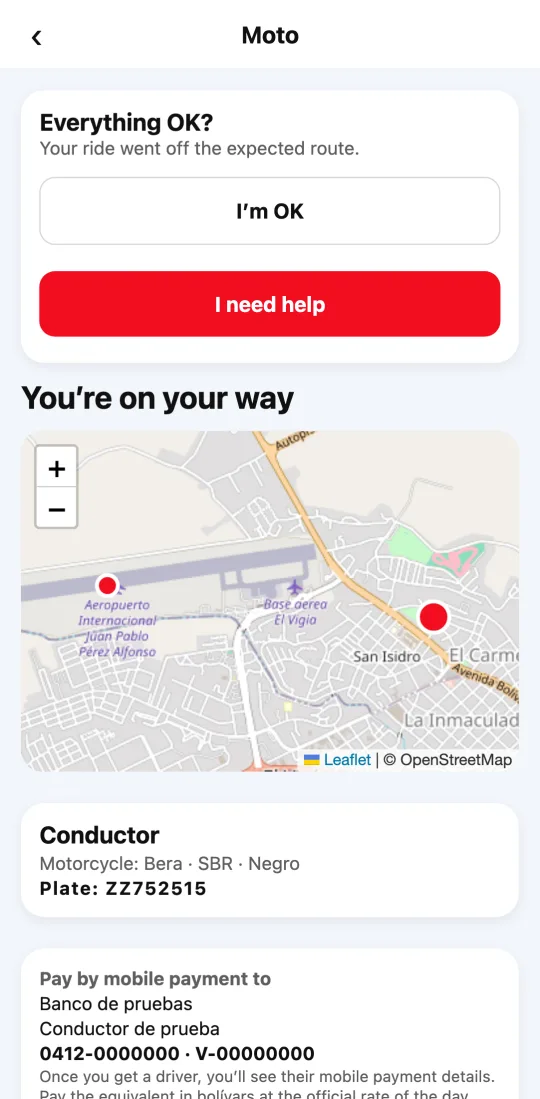
- If anything goes wrong during a ride, tap “Emergency”.
This guide answers
- Why can’t I accept more rides today?
- How do I get help during a ride?