
Your package size
Envelope, small, medium or large: this tells us which driver can carry it.
How it works
When you send a package, you choose its size. An envelope (up to 2 lb) or a small package (up to 11 lb) can go with any driver.
A medium package (up to 33 lb) goes by car or by motorcycle with a delivery box. A large one (up to 66 lb) goes by car only.
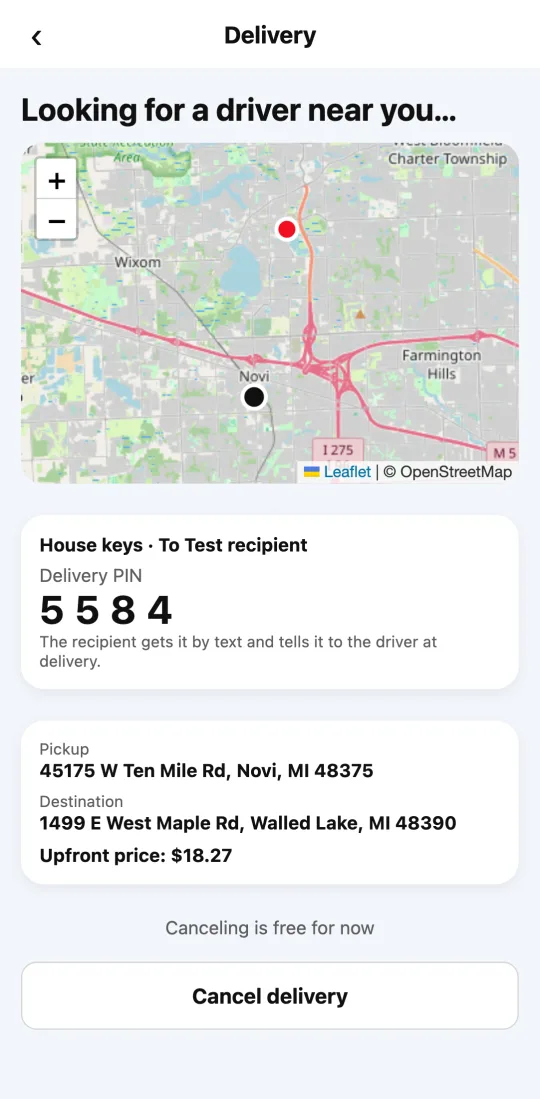
At delivery, the driver asks the recipient for the PIN and can also take a delivery photo.
Steps
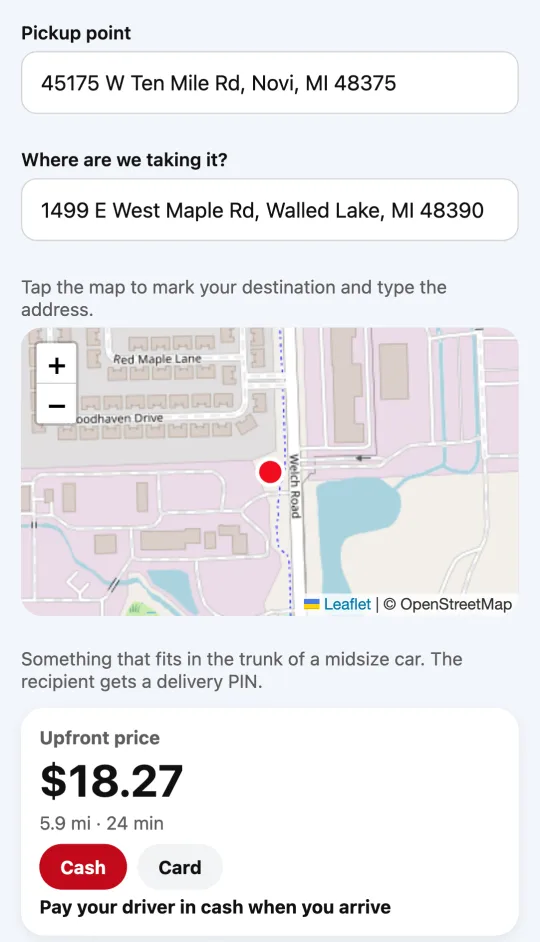
- In Deliveries, after seeing the price, tap your package size.
- Read below which vehicles can carry it.
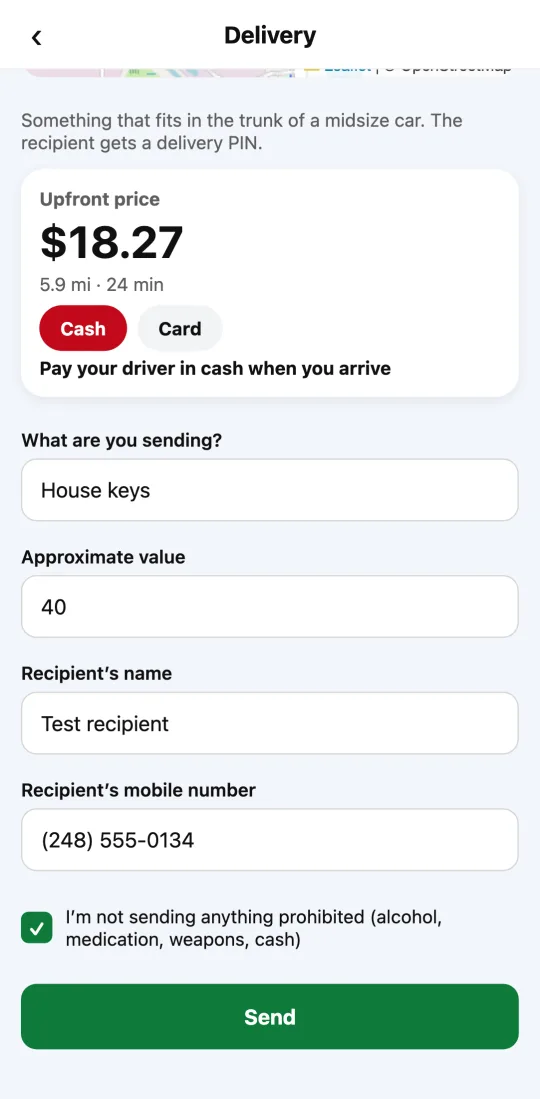
- Fill in what you’re sending and who receives it, and tap “Send”.
If the package is bigger than the size you chose, the driver may not be able to take it.
This guide answers
- Which size should I choose?
- How heavy can my package be?