
Receive a package
You get a text with a link to follow the delivery live and your delivery PIN.
How it works
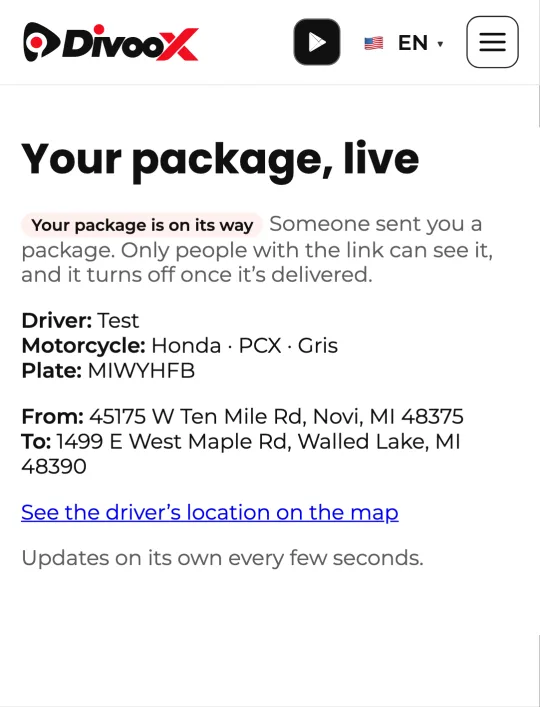
When someone sends you a package with Divoox, you get a text with a link to follow it live, no account needed. There you see the driver, their vehicle and plate, where it’s coming from and where it’s going, and their location on the map. The link stops working when the delivery ends.
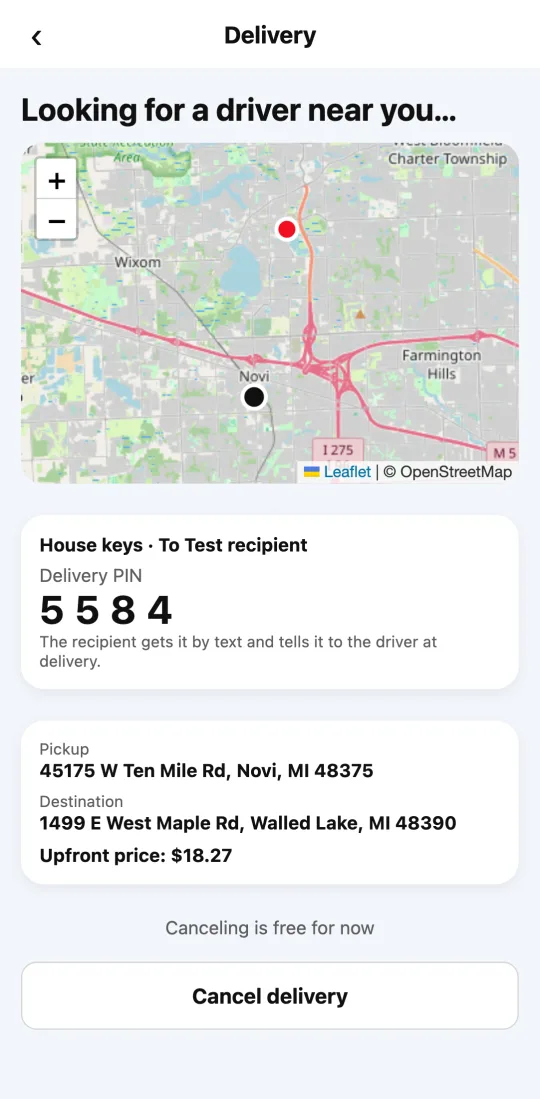
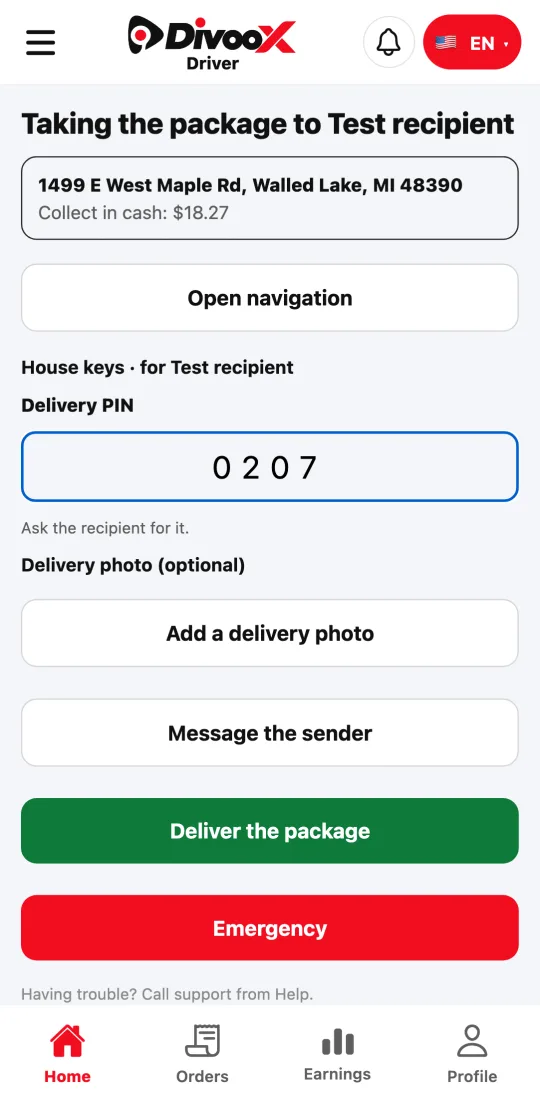
The text includes your delivery PIN. You tell it to the driver when they hand you the package: they enter it in their app, so we know it reached the right person. The sender can also see the PIN, in case the text doesn’t reach you.
Steps
- Open the link in the text to see where your package is.
- When the driver arrives, tell them your delivery PIN.
- Receive the package. The sender will see it was delivered.
Don’t share your PIN by message with anyone other than the driver delivering it.
This guide answers
- How do I track a package someone is sending me?
- What is the delivery PIN for?
- Do I need an account to receive?